
MyAvistaTime
Download myAvistaTime
Section titled “Download myAvistaTime”This app includes – personal schedules, swap schedules with colleagues, Notice to manager about leave application,
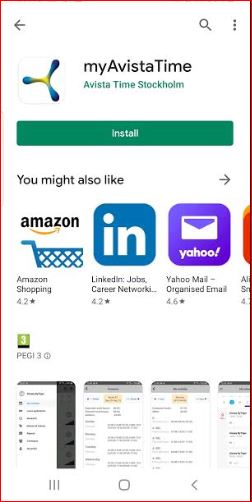
Open Google Play and search for ”myAvistatime” , click on install
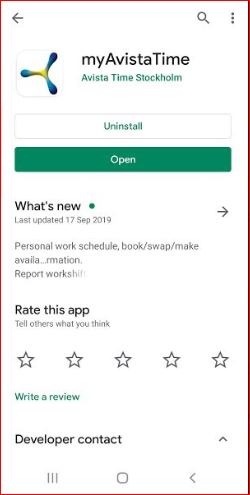
After installation click open
Now ”myAvistatime” opens and directs to login form.
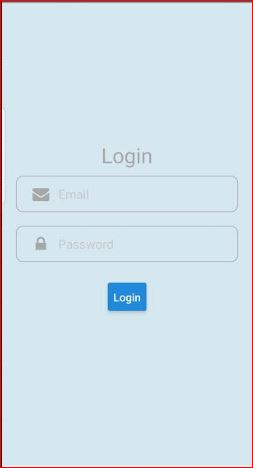
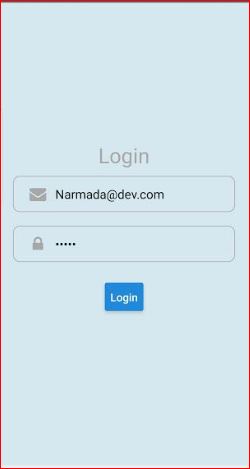
Enter login credentials (Same as Avista time 5) and click ”login”
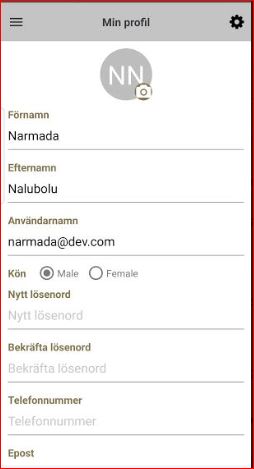
For the first installation on mobile default page ”Myprofile ” opens. Check and enter the details telephone number, Email and address click on ”Save” button
My schedules:
Section titled “My schedules:”Your schedule is available in Myschedules page
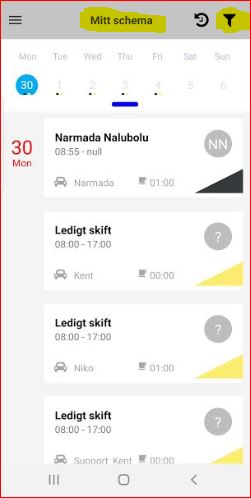
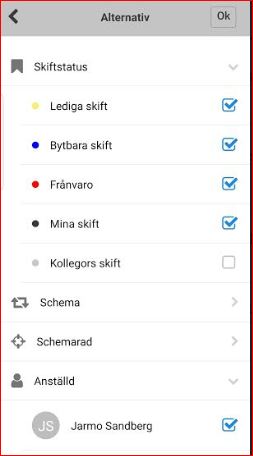
Click on top right corner icon ”Filter” and select Schedule to view when you have work.
Black dots: Shows individual shifts
Yellow dots: Shows unassigned shifts. You can choose Book Shift, if you are interested in working.
Blue dots: Shows shifts that someone wants to swap.
Red dots: Shows your absence
Pink dots: Shows notices of interest that you have sent to your manager to indicate that you are willing to take shifts for a period
Green dots:Approved notice of interest
Grey dots:Colleagues shifts
Report Absence:
Section titled “Report Absence:”You can apply for absence in the mobile app.
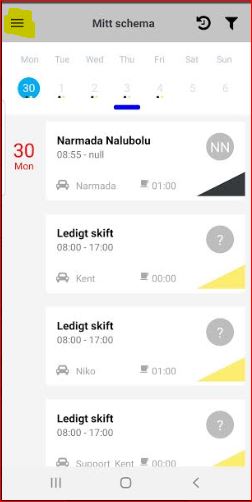
Click on Top left buttm and select ”Leave application”
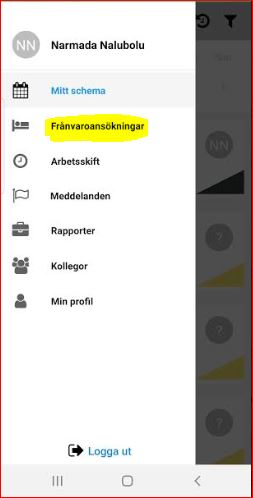
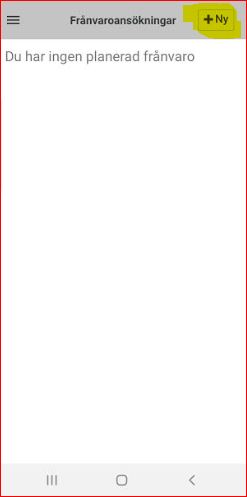
Click + to add a new application
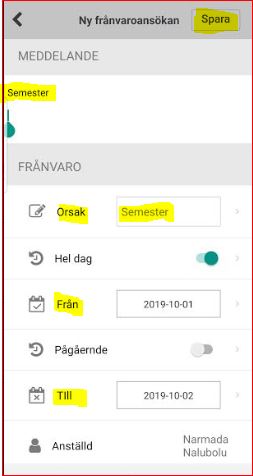
Choose the leave reason and date. You can add a comment to your manager if you would like and click save
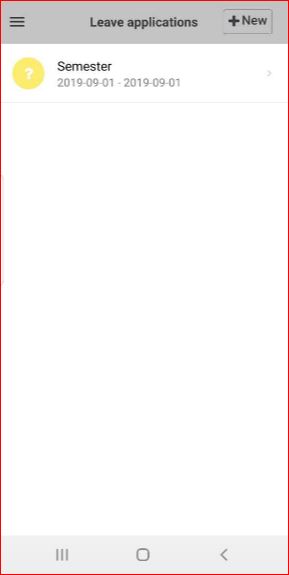
You will be notified when a decision on your request has been made.
Reports:
Section titled “Reports:”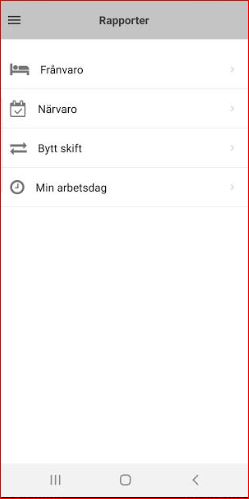
Absence report:
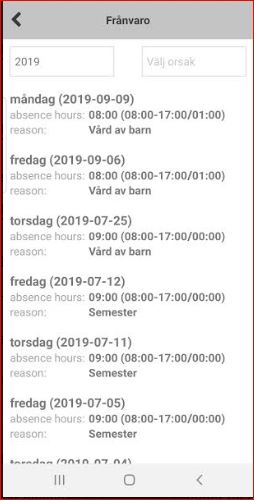
Section titled “Absence report:”Here you can check all the absence list for selected year
presence Report:
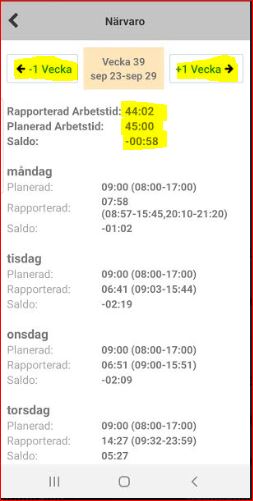
Section titled “presence Report:”Here you can check over view of planned hours for current week and future weeks, performed hours for past week
Change shift:
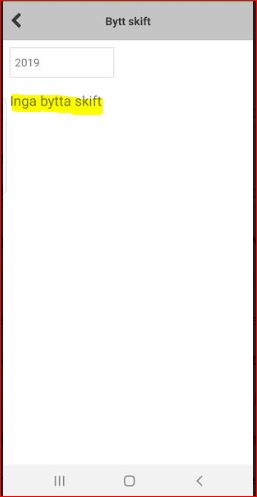
Section titled “Change shift:”when you book a shift to work extra or wanted to change shift. You can see the result of the your request here
My workday:
Section titled “My workday:”You can check your current date status
Colleagues:
Section titled “Colleagues:”You can check your colleagues working on current day with green dot as Online and it is possible to make a call to your colleague