
Activity groups
Introduction
Section titled “Introduction”dec 2023
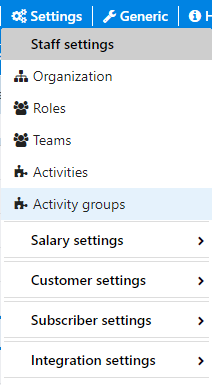
Go to Settings → Activity groups in the top menu.
A window will open, showing you any existing activity groups.
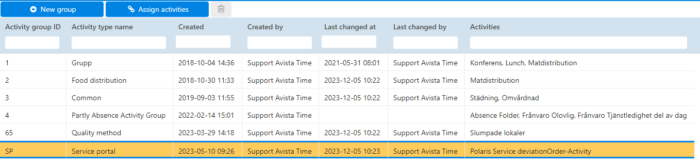
This feature is most useful for Unplanned contracts, where only one group of activity will be reportable based on the activity group chosen for the contract
Add activity group
Section titled “Add activity group”Click the button Add new group in the menu.
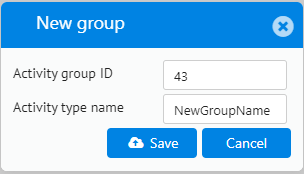
Enter activity group ID and Name. Click Save.
Assign activity groups
Section titled “Assign activity groups”Click Assign activities in the menu.
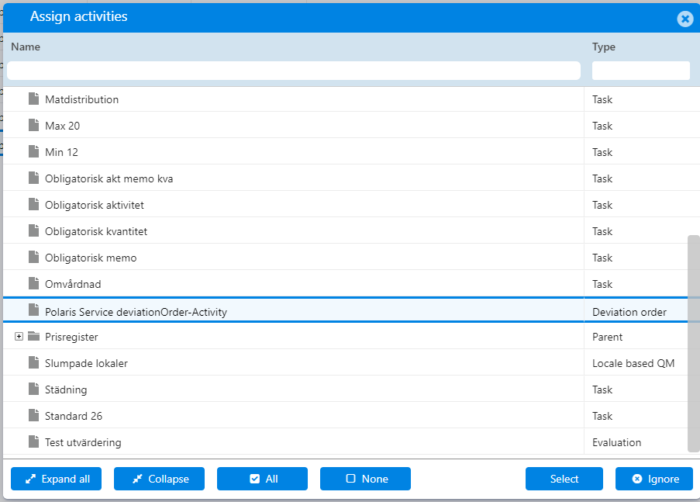
You can only choose the activities that are linked to your assigned role.
To make the activities available to the staff members you need to link the activities to the role(s) of the staff members.
Select the activities that are to be included and then click Select.
Delete activity group
Section titled “Delete activity group”Select the activity group you want to delete and click Delete (Trash can)
If any activities are assigned to the group the byutton is grayed, and deletion is not possible.
