Active staff members
Start feature
Section titled “Start feature”Click on Active staff members.
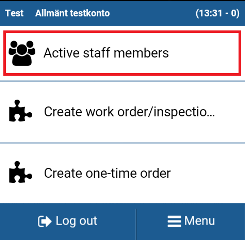
You will see staff that belong to
- same organization unit as you
- organization unit over the organization unit you belong to
- organization unit beneath the organization unit you belong to
N.B! Started or ended work shifts are not visible from Avtive staff members.
Information about active staff members
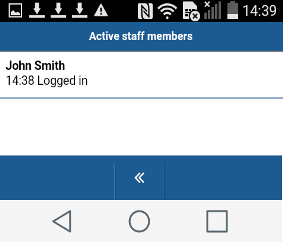
Section titled “Information about active staff members”1. In this example your colleague is logged in to the app. No task is yet started.
2. In this example one of your colleagues has finished a task at Tegnérgatan and the other has started a task at Tegnérgatan.
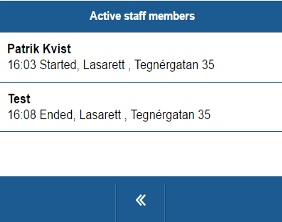
Active staff members show the latest activity of
- Login
- Start task
- End task
Call active staff member
Section titled “Call active staff member”Click on the name of the staff member you want to call.
The app will proceed to call the staff member on the phone it is using, or used lastly.