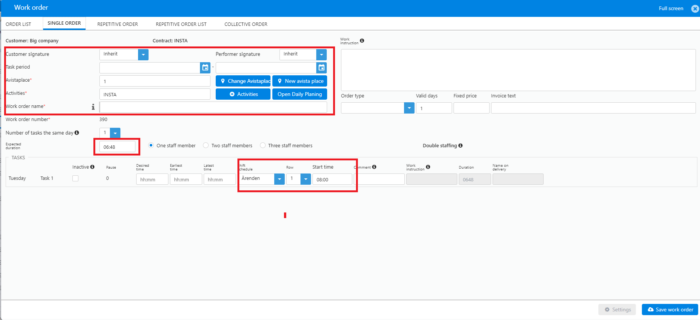
Create single order (One time order)
Create single order
Section titled “Create single order”dec 2023
- G to Customers -> All customers in top menu
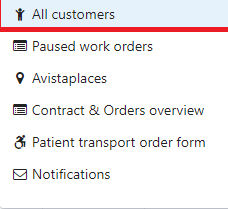
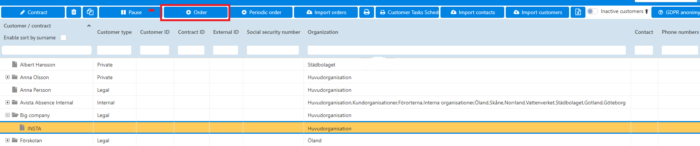
- Mark actual Contract belonging to Customer
- Click the button with the plus icon to add a new Order
One time order
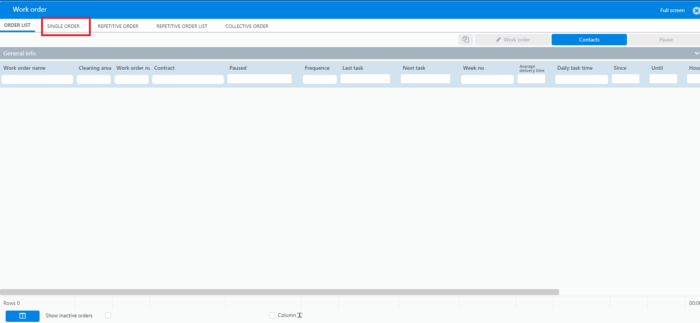
Section titled “One time order”Click on the SINGLE ORDER tab
Fill in mandatory information:
Section titled “Fill in mandatory information:”- Date; Start date – End date
- Avista place
- Activity/s
- Order name
- Expected duration
- Delivery schedule
- Row (schedule row)
- Planned Start Time