
Check in/out
Use feature Check in/out
Section titled “Use feature Check in/out”Start the feature Check in/out in the menu, if this is not already done.
Check in
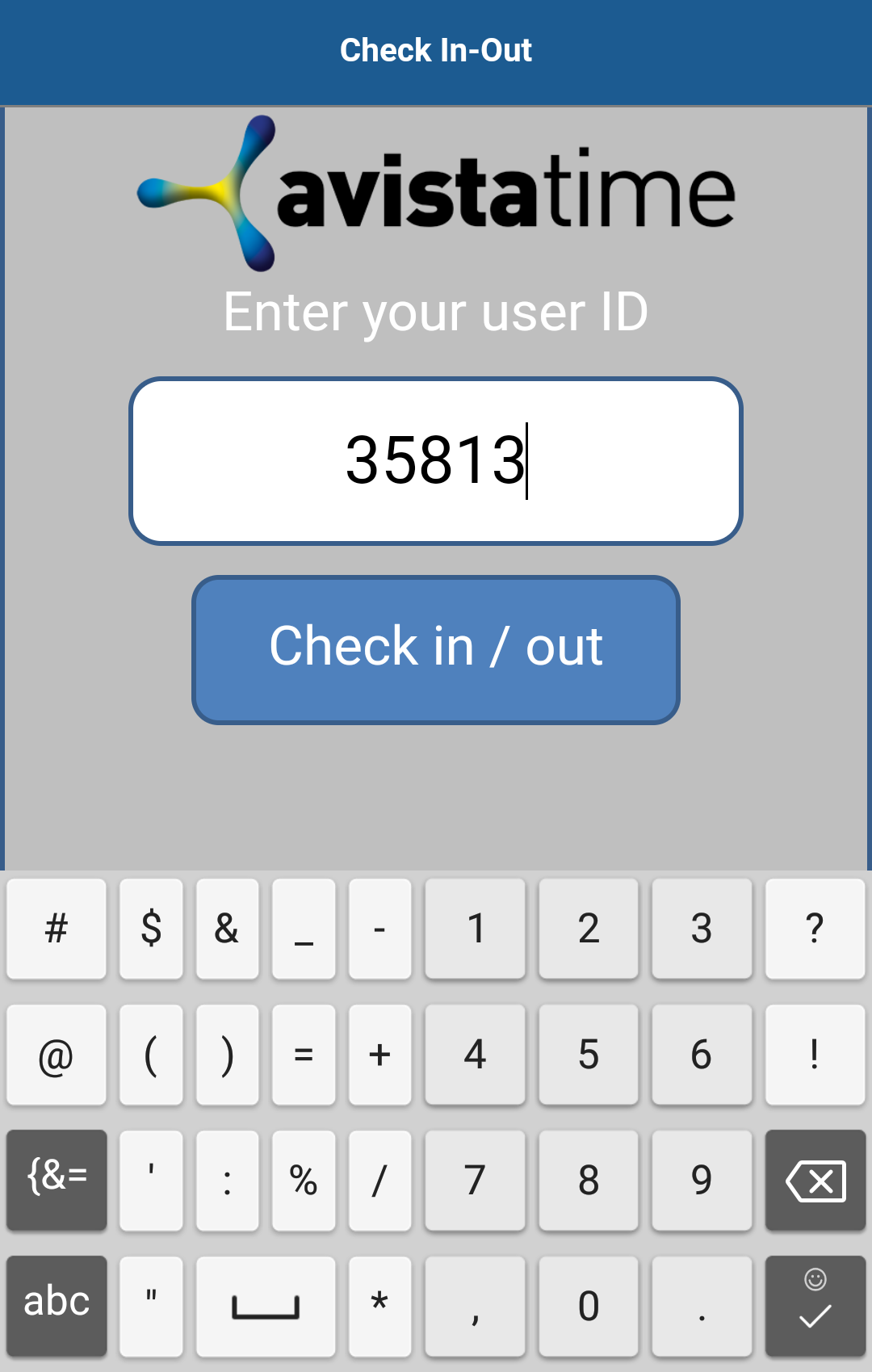
Section titled “Check in”First you enter your User ID.
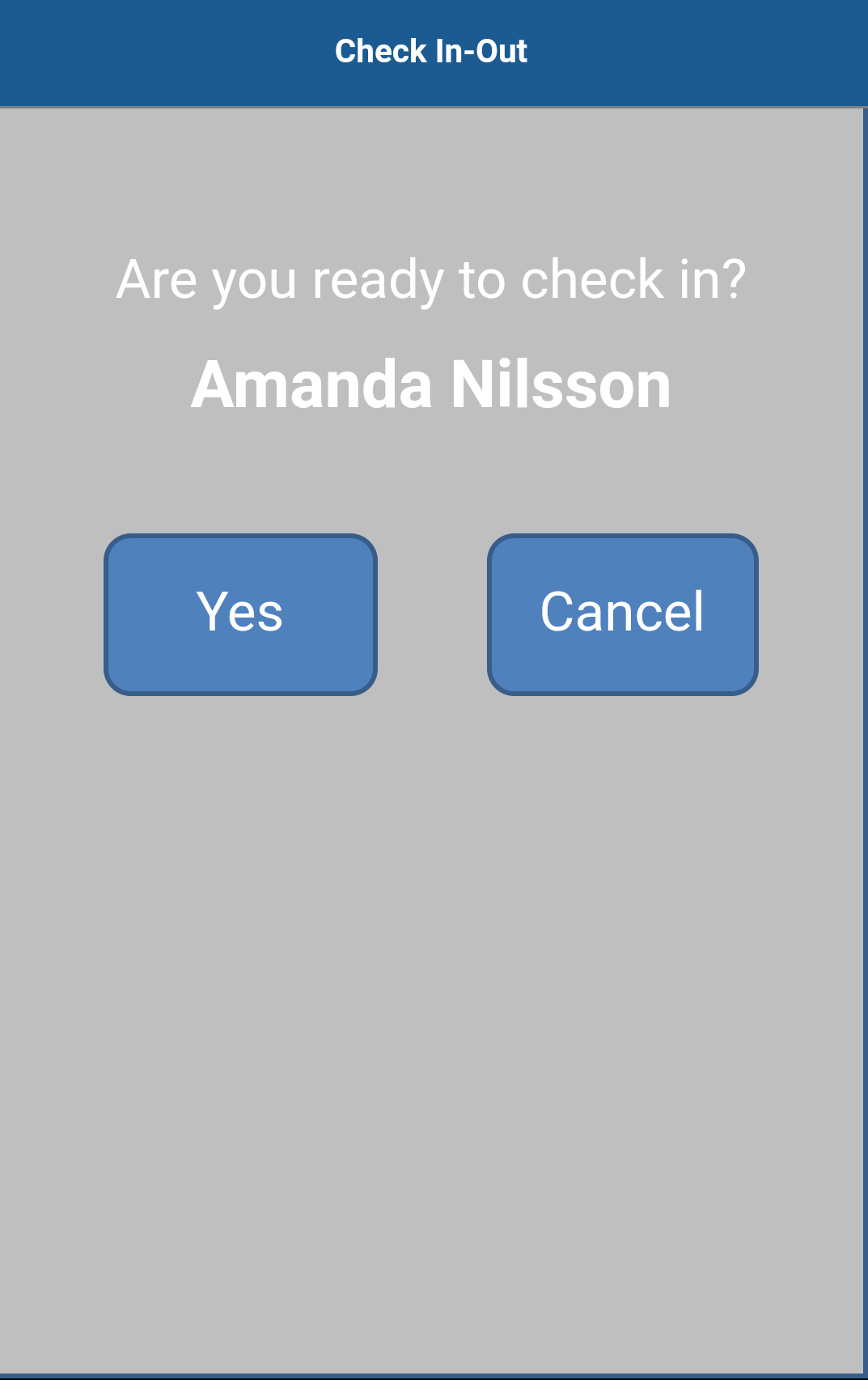
The app will ask you if you are ready to log in.
The user should answer Yes to log in. Answer Cancel if you have entered the wrong user ID.
A green box confirms that you are logged in.
Now it’s possible for another user to log in or out, or for you to log out.
Check out
Section titled “Check out”First you enter your User ID.
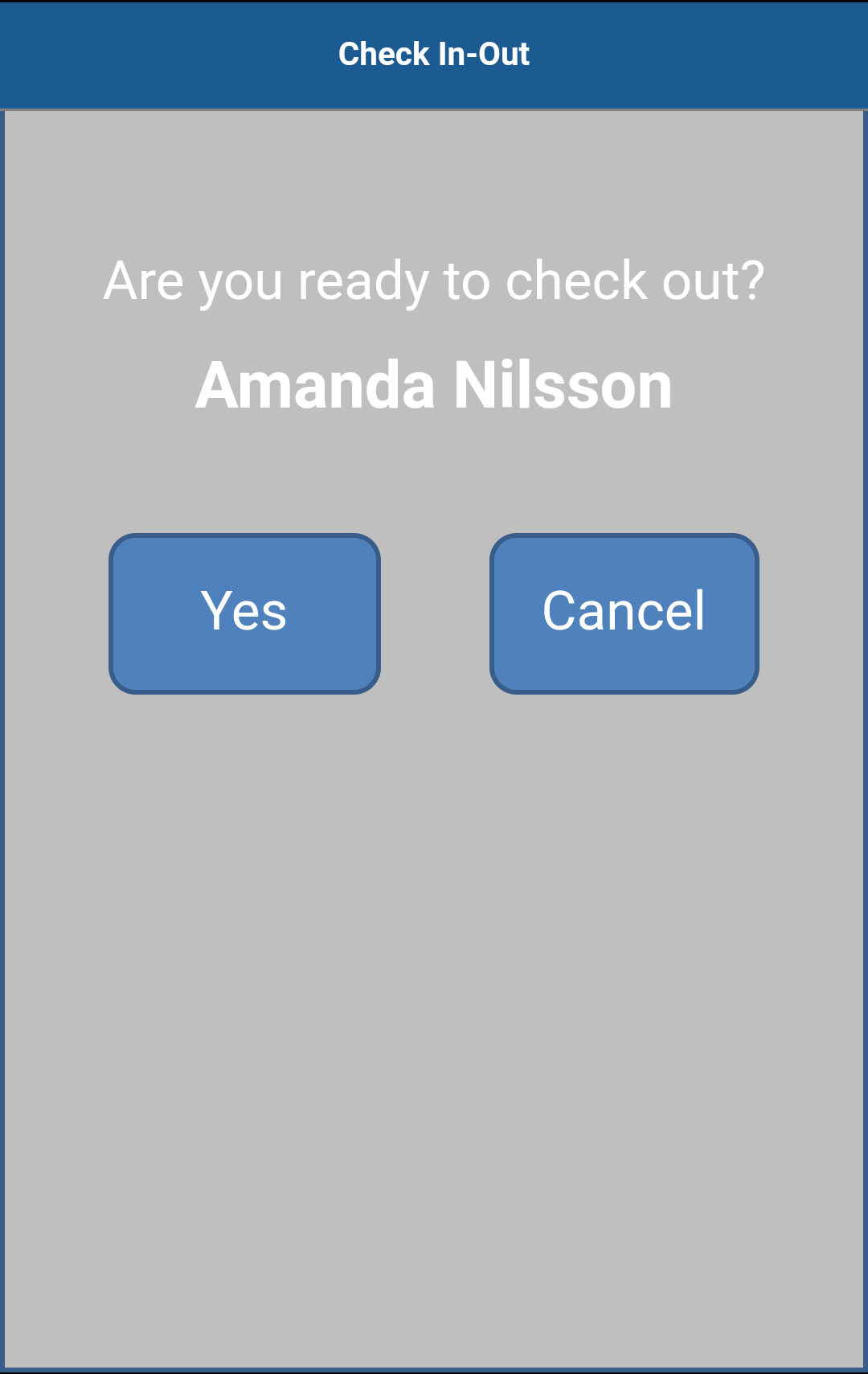
The app will ask you if you are ready to log out.
The user should answer Yes to log out. Answer Cancel if you have entered the wrong user ID.
A green box confirms that you are logged out.
Now it’s possible for another user to log in or out, or for you to log in anew.
Error message
Section titled “Error message”Errors occur if the staff member ID is not registered to any staff member of the concerned organization unit.
The staff member that are logging in needs to belong to the same, or any underlying, organization units as the one that the app is logged on to.
Enter the correct number and try again.